
I remember the morning I discovered my email account had been compromised. I was checking messages over coffee when I noticed sent items I had never written, forwarded to contacts I did not recognize, promoting products I would never endorse. The violation was immediate and visceral. Someone had been inside my digital home, rummaging through my correspondence, impersonating me to people I cared about. The cleanup took weeks. Changing passwords, notifying contacts, scanning devices, and rebuilding trust. The experience transformed me from a casual internet user into a serious student of online safety.
That was five years ago. Today, the digital threats we face have multiplied. Phishing attacks are more sophisticated. Data breaches are routine. Social media manipulation is pervasive. Our homes are filled with smart devices that listen, watch, and transmit. Our children navigate online spaces we barely understand. The internet has become essential to modern life, but it has also become a landscape that requires awareness, vigilance, and proactive protection.
This article provides a comprehensive guide to online safety and digital awareness. We will cover the threats you face, the habits that protect you, the tools that help, and the mindset that keeps you secure without making you paranoid. Whether you are protecting your own digital life, your family’s safety, or your professional reputation, this guide will help you navigate the connected world with confidence and caution.
Why Online Safety Matters More Than Ever
The internet is no longer a separate place we visit. It is the infrastructure of daily life. We bank, shop, work, socialize, learn, and govern through digital channels. This integration creates extraordinary convenience and equally extraordinary vulnerability.
The Scale of Digital Threats
Cybercrime has become a massive global industry. According to industry estimates, the cost of cybercrime is projected to reach trillions of dollars annually. But the threats are not just financial. Identity theft, reputational damage, emotional manipulation, and privacy invasion are equally serious consequences.
I have spoken with victims of romance scams who lost not just money but their sense of trust. I have known professionals whose careers were damaged by compromised social media accounts. I have seen families torn apart by the discovery of hidden digital behaviors. The impacts of poor online safety extend far beyond stolen credit card numbers.
The Evolution of Threats
Digital threats have evolved from crude viruses and obvious scams to sophisticated, targeted attacks. Phishing emails now mimic legitimate communications with frightening accuracy. Deepfake technology can create convincing fake videos and audio. Social engineering manipulates human psychology rather than technical vulnerabilities. The attackers have become smarter, and our defenses must keep pace.
The Connected Home
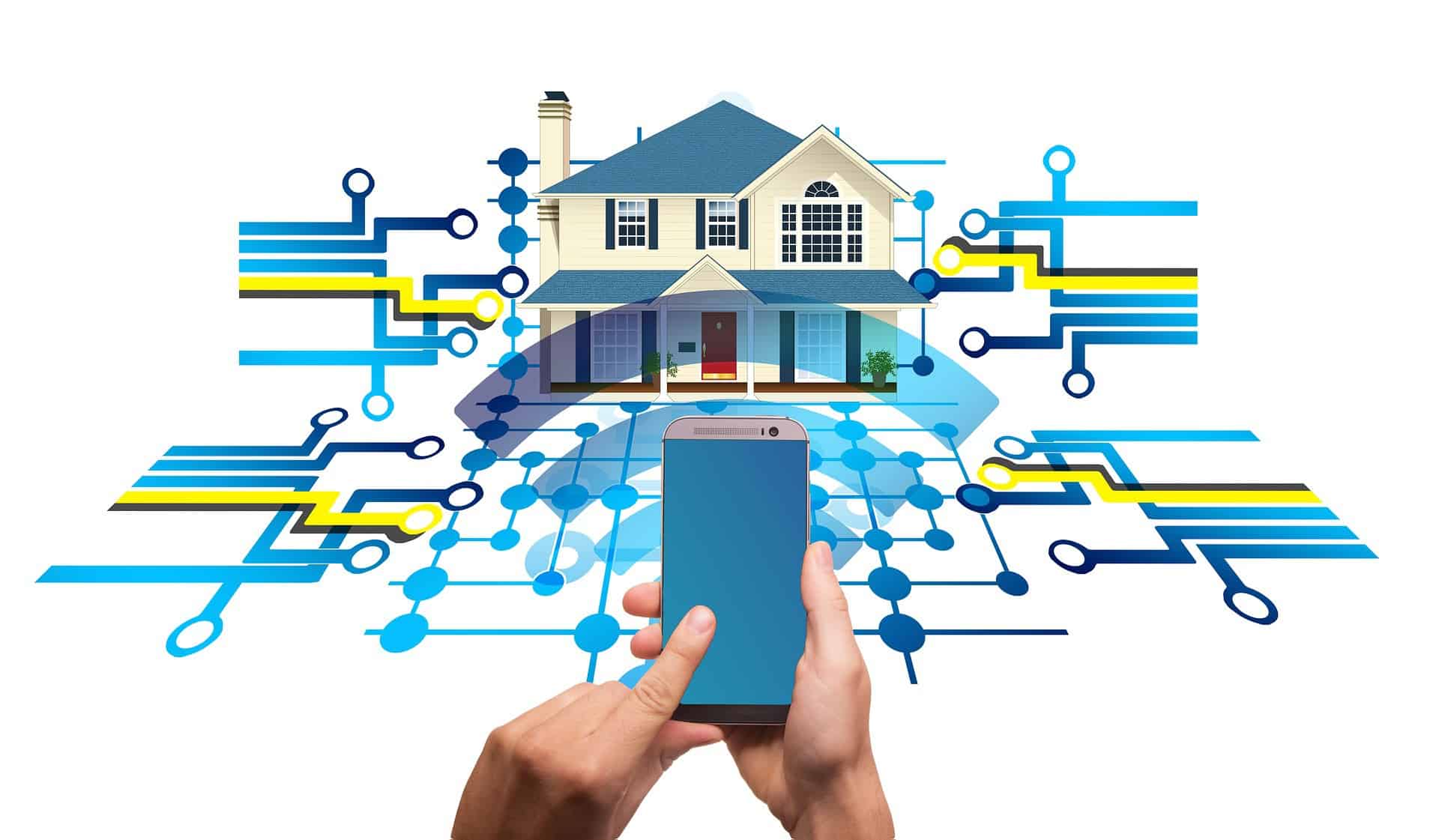
Our homes are now filled with internet-connected devices. Smart speakers, security cameras, thermostats, televisions, and appliances all transmit data. Each is a potential entry point for attackers. The security of your home network is no longer just about your computer. It is about every device connected to it.

Understanding the Major Online Threats
Effective protection requires understanding what you are protecting against. Here are the most significant categories of digital threats.
Phishing and Social Engineering
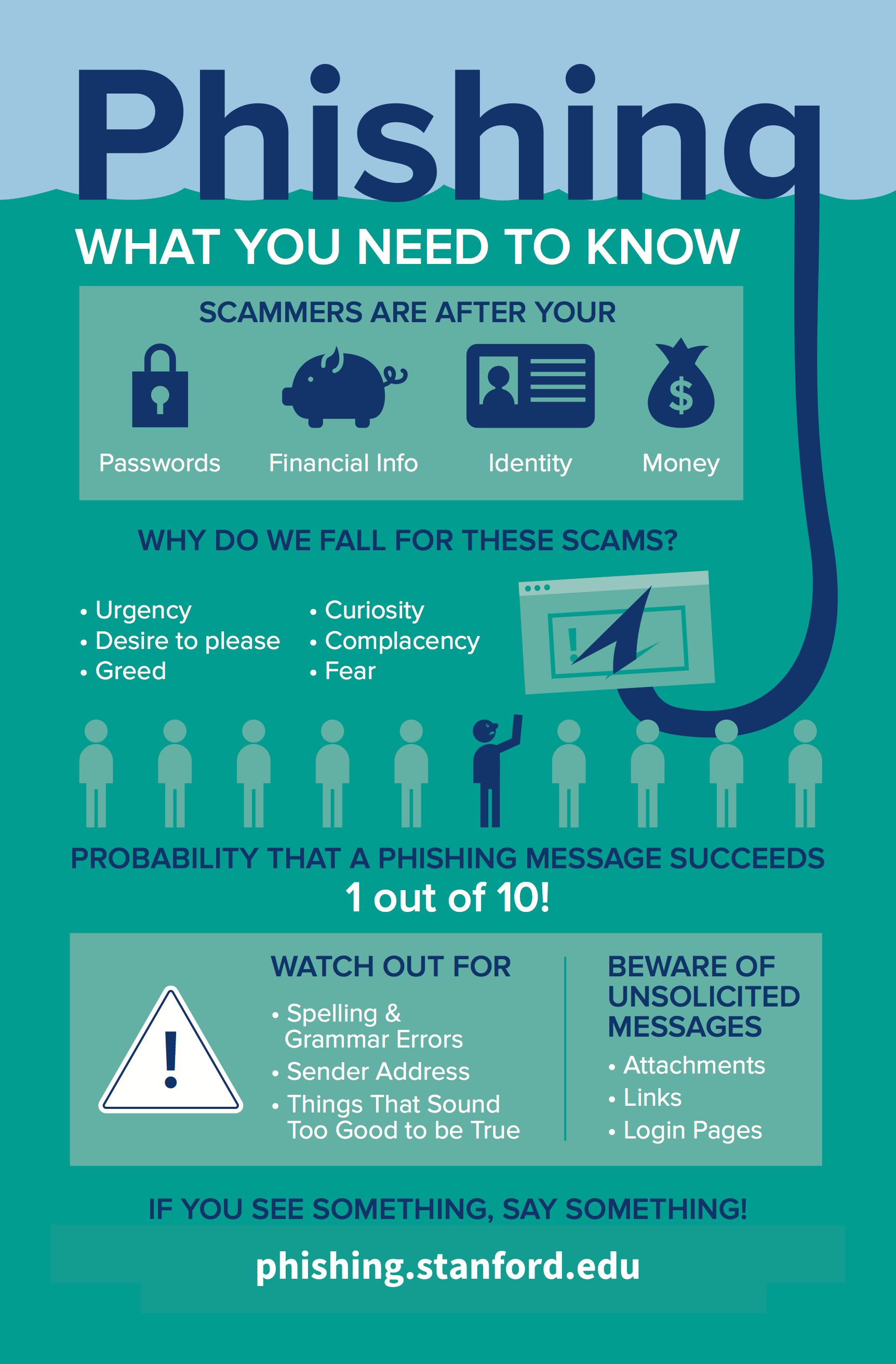
Phishing is the most common and most effective online attack. It uses deception to trick you into revealing passwords, financial information, or access to your accounts. Phishing emails, texts, and messages often appear to come from trusted sources, banks, employers, friends, or familiar services.
Modern phishing is highly sophisticated. Attackers research their targets, craft personalized messages, and create fake websites that are nearly indistinguishable from legitimate ones. Spear phishing targets specific individuals with tailored content. Whaling attacks target high-value targets like executives.
I nearly fell for a phishing email that appeared to be from my bank, complete with the correct logo, formatting, and tone. The only clue was a slightly misspelled domain name in the link. That near-miss taught me to verify every unexpected communication independently, never by clicking provided links.
Malware and Ransomware
Malware is malicious software that infects your devices. It can steal data, monitor your activities, display unwanted advertisements, or use your device to attack others. Ransomware encrypts your files and demands payment for their release.
Malware spreads through infected downloads, malicious websites, compromised email attachments, and removable media. Once installed, it can be difficult to detect and remove. Prevention is far more effective than cure.
Identity Theft
Identity theft occurs when someone uses your personal information to commit fraud. This can include opening accounts, making purchases, filing tax returns, or obtaining services in your name. The consequences can take years to resolve and may damage your credit, finances, and reputation.
Data Breaches
Organizations that hold your data are frequent targets of attack. When they are breached, your information, passwords, financial details, personal communications, may be exposed. Even if you practice perfect personal security, you remain vulnerable through the organizations you trust.
Online Harassment and Manipulation
The social dimension of online safety includes harassment, cyberbullying, doxxing, the publication of private information, and psychological manipulation. Social media platforms can be used to spread misinformation, radicalize users, and damage reputations.
Building Strong Digital Habits
Tools and software help, but the foundation of online safety is your own behavior. Here are the habits that provide the strongest protection.
Password Hygiene
Passwords remain the primary defense for most accounts, yet they are often managed poorly.
Use unique passwords for every account. Reusing passwords means that one breach compromises all your accounts. A unique password for each account contains the damage.
Use long, complex passwords. Length matters more than complexity. A passphrase of four or five random words is easier to remember and harder to crack than a short string of symbols.
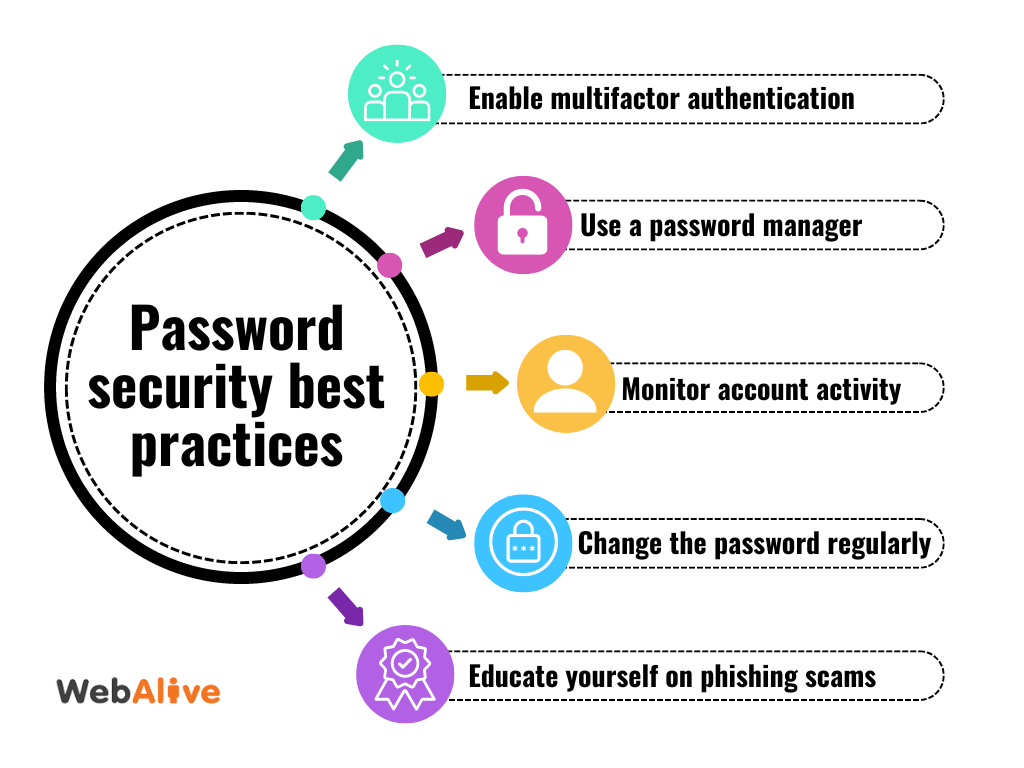
Use a password manager. Remembering unique, complex passwords for dozens of accounts is impossible without help. A password manager generates, stores, and autofills strong passwords. You need to remember only one master password.
Change passwords after breaches. If a service you use is breached, change your password immediately. Do not wait for confirmation that your data was exposed.
I resisted password managers for years, trusting my memory and a few variations of the same password. After my email compromise, I adopted a password manager and changed every account to a unique, generated password. The peace of mind was immediate and profound.
Multi-Factor Authentication
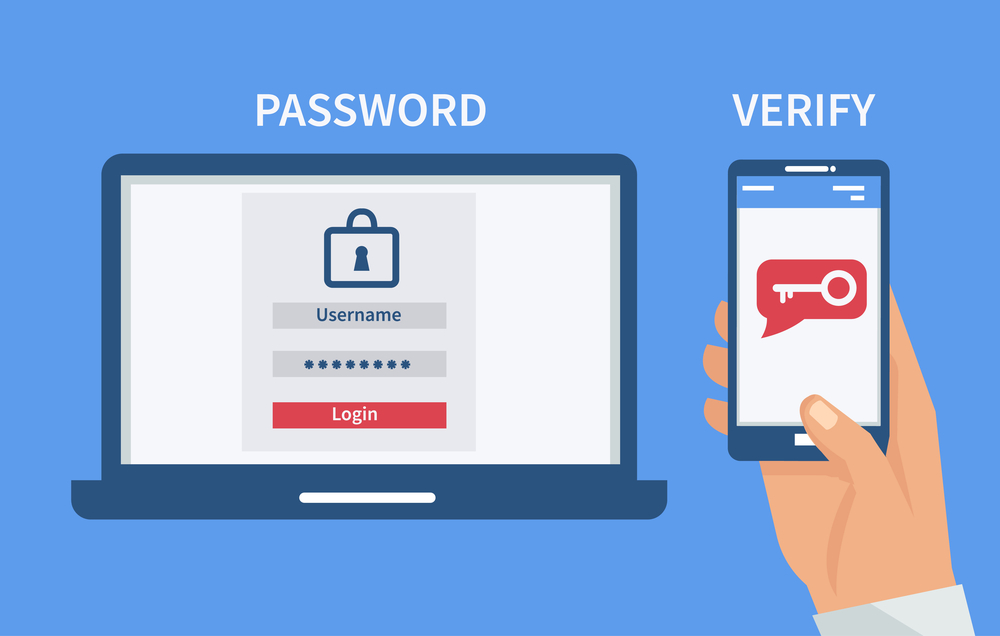
Multi-factor authentication, or MFA, requires something you know, a password, plus something you have, a phone or security key, or something you are, a fingerprint. It dramatically reduces the risk of account compromise even if your password is stolen.
Enable MFA on every account that offers it, especially email, banking, and social media. Use an authenticator app rather than SMS when possible, as SMS can be intercepted. Physical security keys provide the strongest protection for high-value accounts.
Safe Browsing Practices
Your browser is your primary interface with the internet. How you use it matters.
-
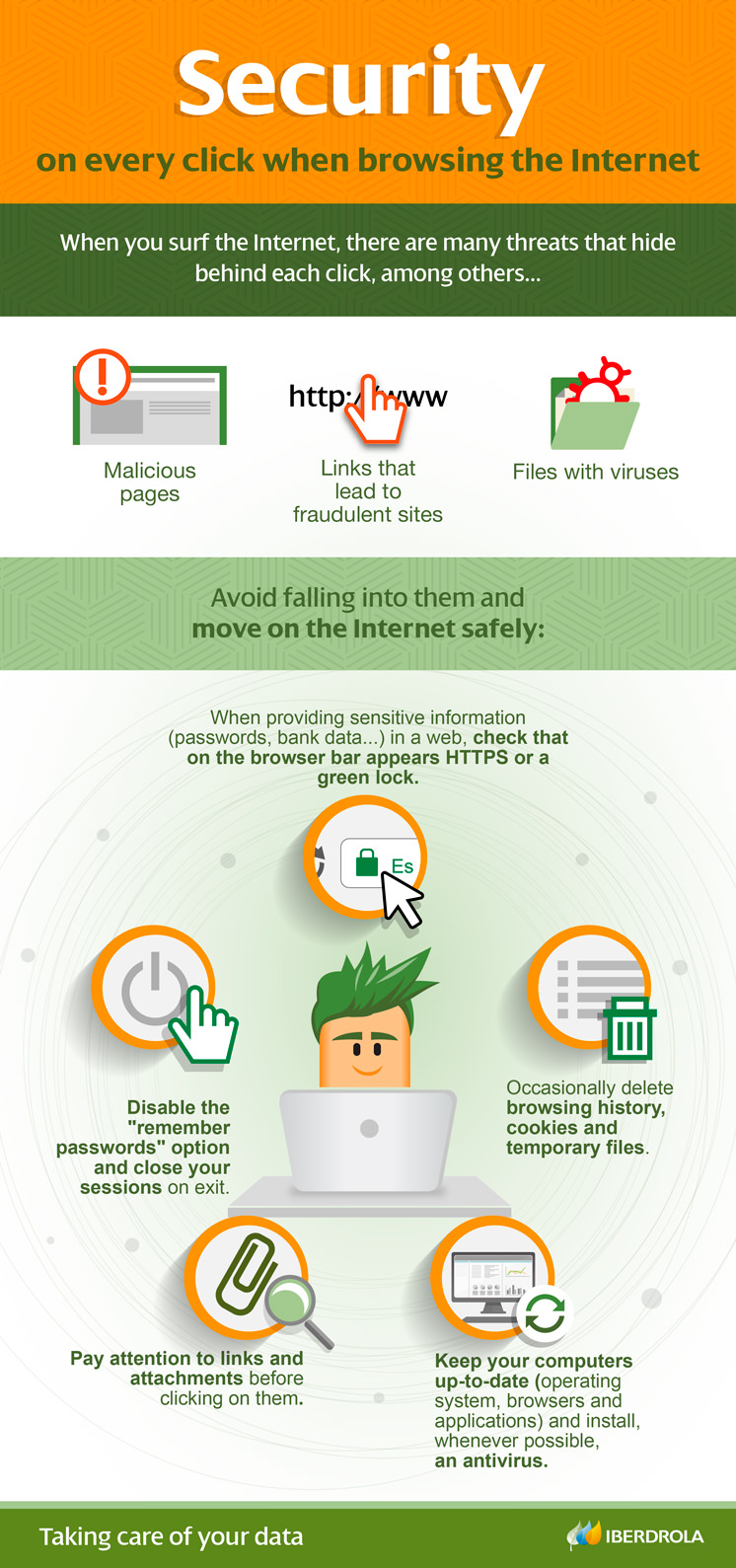
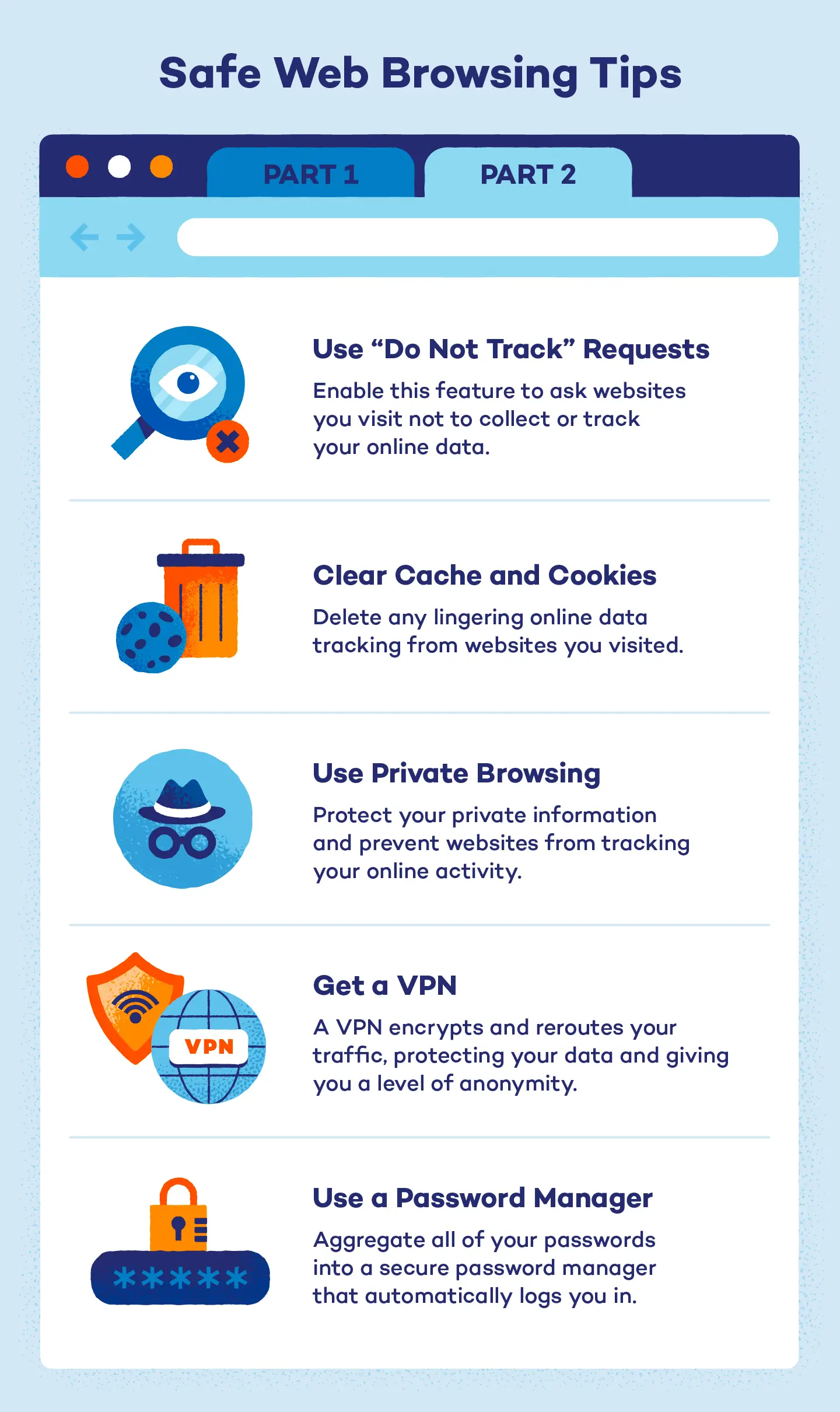
Verify website security. Look for HTTPS and the padlock icon before entering sensitive information.
-
Be cautious with downloads. Only download software from official sources. Scan all downloads with antivirus software.
-
Avoid public Wi-Fi for sensitive tasks. Public networks are easily intercepted. Use a virtual private network if you must access sensitive accounts on public Wi-Fi.
-
Keep browsers updated. Updates patch security vulnerabilities. Enable automatic updates.
-
Use privacy-focused browsers or extensions. Consider browsers and extensions that block trackers and ads, which can carry malware.
Email and Communication Safety
Email remains the primary vector for attacks. Treat every unexpected email with skepticism.
-
Do not click links or download attachments from unexpected emails. Verify independently by contacting the sender through another channel.
-
Check sender addresses carefully. Phishers use addresses that look similar to legitimate ones.
-
Be wary of urgency. Messages that demand immediate action are often scams. Legitimate organizations rarely threaten account closure within hours.
-
Use email filtering. Enable spam filters and report phishing attempts to help providers improve detection.
Protecting Your Digital Identity
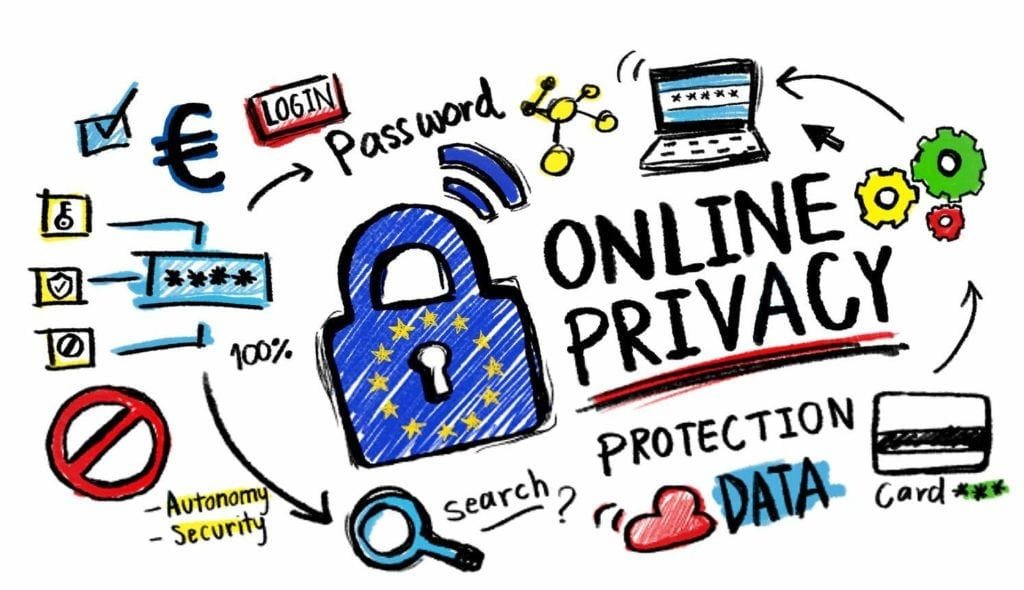
Your digital identity, the collection of information about you online, is valuable and vulnerable.
Minimize Your Digital Footprint
The less information about you that exists online, the smaller your attack surface. Review your social media privacy settings. Remove old accounts you no longer use. Be cautious about sharing personal information, birthdates, addresses, travel plans, even in seemingly innocent posts.
Monitor Your Online Presence
Set up alerts for your name and email address. Review what information appears when you search for yourself. If you find sensitive information exposed, contact the site owner or use removal services.
Secure Your Devices
Your phone, computer, and tablet are gateways to your digital life. Protect them.
-
Use strong screen locks. PINs, passwords, or biometrics prevent physical access.
-
Keep software updated. Operating system and app updates patch security holes.
-
Install reputable security software. Antivirus and anti-malware tools provide an additional layer of defense.
-
Encrypt sensitive data. Enable device encryption to protect data if the device is lost or stolen.
-
Back up regularly. Ransomware and device failure are less devastating when you have current backups.
Secure Your Home Network
Your router is the gateway to all your connected devices. Change the default administrator password. Use WPA3 encryption. Disable remote management unless you need it. Keep firmware updated. Consider creating a separate network for smart home devices to isolate them from computers and phones.
Family Online Safety
Protecting children and family members requires additional considerations.
Open Communication
Talk to your family about online risks. Create an environment where children feel comfortable reporting uncomfortable encounters without fear of punishment. The goal is not to eliminate all risk, which is impossible, but to ensure that problems are reported and addressed.
Age-Appropriate Boundaries
Different ages require different levels of supervision and freedom. Young children need strict controls and close monitoring. Teenagers need guidance and trust as they develop their own judgment. Adjust boundaries as children mature and demonstrate responsibility.
Parental Controls and Monitoring
Use parental control tools to filter inappropriate content, limit screen time, and monitor online activity. But recognize that these tools are supplements, not substitutes, for parental involvement and communication.
Teaching Critical Thinking
The most important protection is a skeptical mind. Teach children to question what they see online, to verify information from multiple sources, to recognize manipulation tactics, and to understand that not everything online is true or safe.
I taught my teenager to ask three questions before believing or sharing anything online. Who created this? What do they want me to do? What evidence supports their claim? These simple questions have prevented several instances of misinformation sharing.
Modeling Good Behavior
Children learn more from what you do than what you say. If you practice poor password hygiene, overshare on social media, or ignore security updates, your children will likely do the same. Model the behavior you want them to adopt.
Tools and Resources for Online Safety
Several categories of tools can significantly improve your security posture.
Password Managers
Password managers generate, store, and autofill strong, unique passwords. They are the single most impactful security tool for most users. Popular options include Bitwarden, 1Password, and Dashlane. Choose one with strong encryption, cross-platform support, and a transparent security model.
Virtual Private Networks
VPNs encrypt your internet traffic and route it through remote servers, protecting your data from interception on public networks and masking your location from websites. They are useful but not a complete security solution. Choose reputable providers with no-logs policies.
Security Software
Antivirus and anti-malware tools detect and remove threats. Windows Defender, built into modern Windows, is adequate for most users. Additional tools like Malwarebytes provide supplemental scanning. Avoid installing multiple real-time antivirus programs, which can conflict.
Backup Solutions
Regular backups protect against ransomware, hardware failure, and accidental deletion. The 3-2-1 rule is a good guideline: three copies of important data, on two different media, with one stored offsite. Cloud backup services automate this process.
Identity Monitoring Services
These services monitor for unauthorized use of your personal information and alert you to potential identity theft. They can be valuable but are not substitutes for proactive protection.
Common Mistakes That Compromise Security
Even security-conscious people make predictable errors.
Overconfidence
Believing you are too smart or too careful to be targeted is dangerous. Attackers succeed against sophisticated targets every day. Humility and vigilance are essential.
Neglecting Updates
Software updates are annoying but critical. They patch vulnerabilities that attackers actively exploit. Delaying updates leaves you exposed to known threats.
Oversharing on Social Media
Every post reveals information that can be used against you. Birthdates, locations, travel plans, family relationships, and daily routines all help attackers build profiles and craft targeted attacks.
Ignoring Warning Signs
Slow performance, unexpected pop-ups, unfamiliar account activity, and strange emails are warning signs. Ignoring them allows problems to grow. Investigate promptly.
Relying on a Single Layer of Defense
Security works best in layers. A password alone is weak. A password plus MFA is stronger. A password plus MFA plus a password manager is stronger still. Do not rely on any single protection.
Falling for Social Engineering
Technical security is irrelevant if an attacker manipulates you into bypassing it. The most secure system can be compromised by a convincing phone call or email. Skepticism is your final defense.
Practical Steps to Improve Your Online Safety Today
If you want to improve your security immediately, here is a prioritized action plan.
Step one: Install a password manager. Change your most important accounts, email, banking, social media, to unique, generated passwords. Enable MFA on these accounts.
Step two: Update everything. Operating systems, browsers, apps, and router firmware. Enable automatic updates where possible.
Step three: Review your digital footprint. Check privacy settings on social media. Remove old accounts. Search for yourself and address any exposed information.
Step four: Secure your home network. Change router defaults. Use strong Wi-Fi encryption. Consider a guest network for visitors and IoT devices.
Step five: Set up backups. Choose a cloud backup service or establish a manual backup routine. Test that you can restore from your backups.
Step six: Talk to your family. Discuss online risks, establish boundaries, and create a plan for reporting problems.
Step seven: Stay informed. Follow reputable security news sources. Threats evolve, and awareness is an ongoing practice.
Frequently Asked Questions
How much security is enough?
There is no absolute answer. Security is a trade-off between protection and convenience. The right level depends on your risk profile, your assets, and your tolerance for inconvenience. Start with the basics, unique passwords, MFA, updates, and add layers as needed.
Are free security tools sufficient?
Many free tools are excellent. Windows Defender, Bitwarden, and some VPNs offer strong protection at no cost. Paid versions often add convenience features and customer support. The key is using the tools consistently, not whether you paid for them.
Can I be completely safe online?
No. Perfect security is impossible. The goal is to raise the cost and difficulty of attacking you enough that attackers move on to easier targets. This is the concept of security through making yourself a harder target, not an impossible one.
What should I do if I think I have been compromised?
Change passwords immediately, starting with your email account. Enable MFA if not already active. Scan devices for malware. Check account activity for unauthorized access. Notify your bank if financial information is involved. Report identity theft to relevant authorities.
How do I protect my children without being overly restrictive?
Balance supervision with trust. Use age-appropriate controls. Communicate openly about risks. Teach critical thinking. Gradually increase freedom as children demonstrate responsibility. The goal is to raise digitally literate adults, not to maintain permanent control.
Is public Wi-Fi ever safe?
Public Wi-Fi is inherently less secure than private networks. For casual browsing, it is usually acceptable. For banking, shopping, or accessing sensitive accounts, use a VPN or wait until you are on a trusted network.
Final Thoughts
My email compromise was a painful but transformative experience. It forced me to take online safety seriously, to understand the threats, to build better habits, and to help others do the same. The digital world is not going away. It will only become more integrated into our lives. Our safety in that world depends not on eliminating all risk, which is impossible, but on developing the awareness, habits, and tools to manage risk intelligently.
Online safety is not about fear. It is about empowerment. The person who understands digital threats and takes reasonable precautions can enjoy the extraordinary benefits of the connected world with confidence. The person who ignores these issues may eventually learn the hard way, as I did, that digital security is not optional.
Start today. Not with perfection, but with progress. One strong password. One enabled MFA. One conversation with your family. These small steps compound into a security posture that protects what matters most: your identity, your finances, your relationships, and your peace of mind.
The internet is a remarkable tool. Use it wisely, protect yourself diligently, and teach others to do the same. That is the essence of digital awareness, and it is a responsibility we all share.